Introduction video
⛷ Scratch Slalom Skiing Activity Pack What will you need?
The Scratch website. It is free to use and works on all devices.
What will you learn?
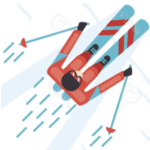
Program a skiing game:
– Keyboard inputs or touch screen inputs for controlling the skier.
– Costume changes for realism.
– Selection (Conditions) and sensing for interaction (Skier hitting the flags).
– Random variables (operators) for unpredictability of the flags appearing.
– Program a timer using variables.
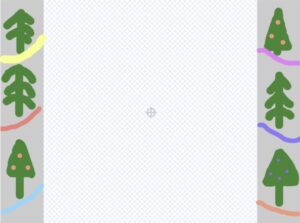
2. Ski slope backdrop
Watch the video to learn how to edit the backdrop of the project to make it look more like a ski slope.
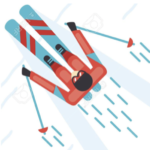
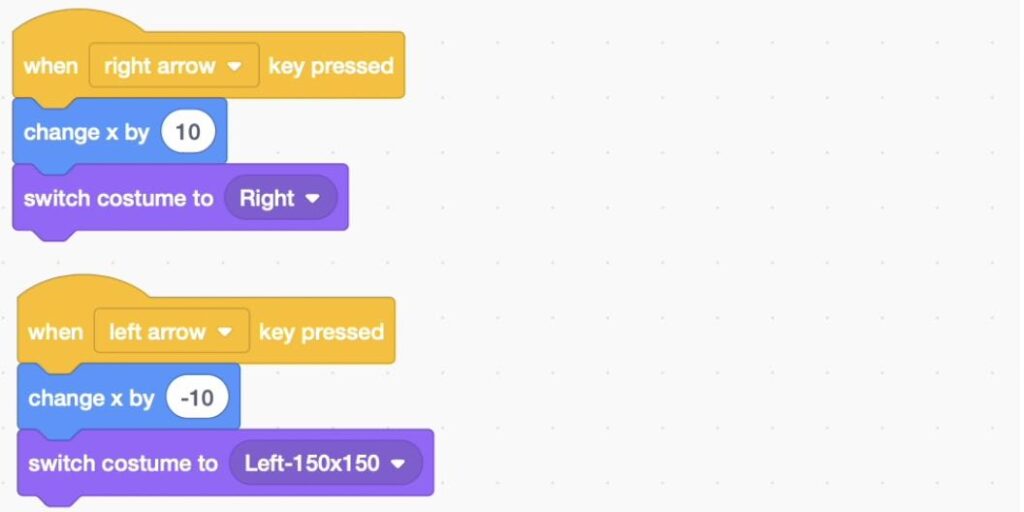
3. Control your Skier (Keyboard inputs) and change the costume
Watch the video to learn how to program keyboard inputs to move the skier left and right using the left and right arrow keys on your keyboard (inputs). Then change the costume to make it more realistic.
Touch screen inputs
If you are using a touch screen device such as an iPad, watch the second video to learn how to program touch screen inputs.
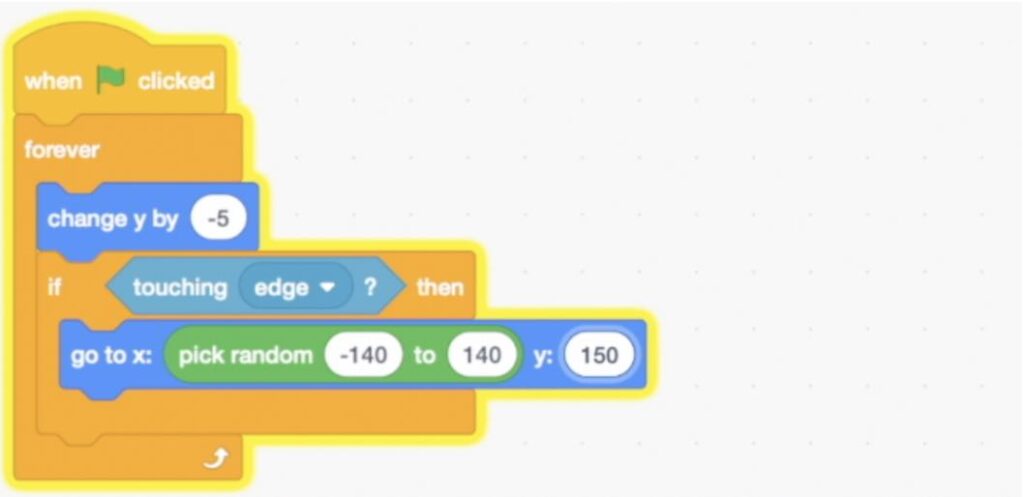
4. Moving Flag Sprite (Selection, sensing, operators, random variables and loops)
Program a flag to move down the screen on a loop and then go back to a random position to make the game more unpredictable.
Extra challenge
Could you use a ‘pick random’ operator inside the ‘change y by’ to make the speed of flag change each time, making the game even more unpredictable?
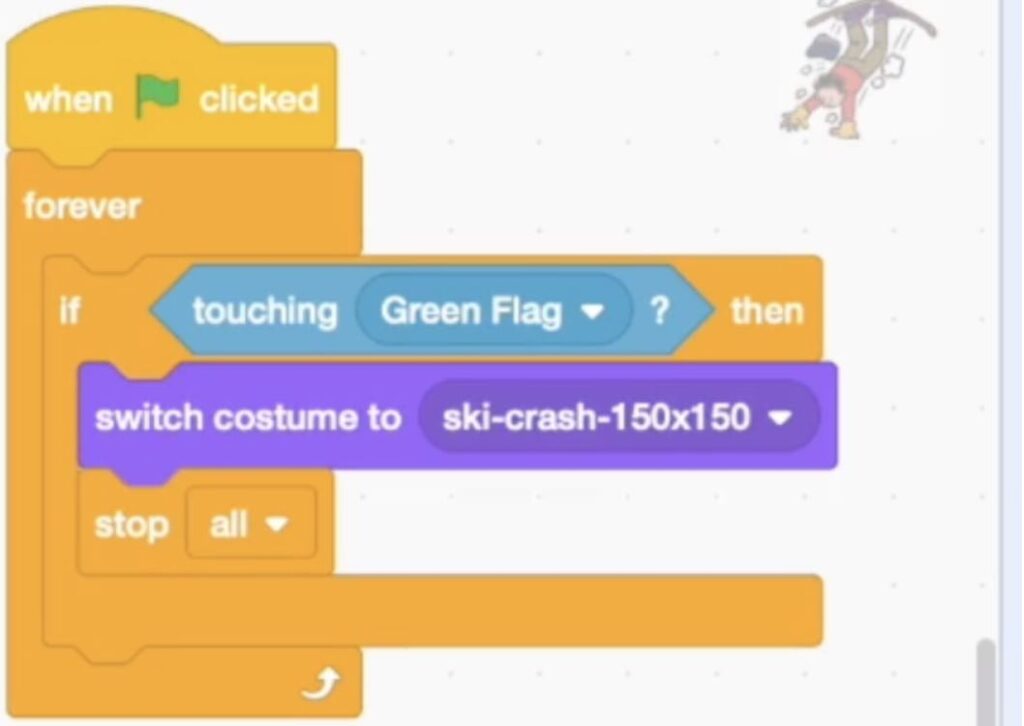
5. Crashing into the flag (Selection, sensing, motion, loops and costume changes)
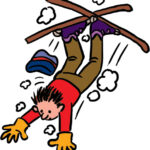
Watch the video to learn how to add selection that if the skier touches the flag sprite it changes to the crash costume and stops the program.
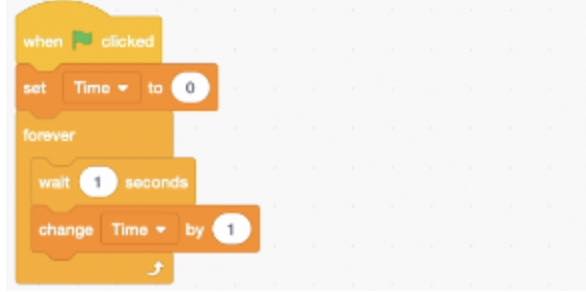
6. Timer (Variables and loops)
Watch the video to learn how to make your game more competitive with a timer that times how long the player can ski without crashing. This uses more variables, wait blocks and loops.