What will you learn? 
Use code blocks to retell a story using different code blocks, including movement, inputs and outputs. 

What resources will you need?
The free Scratch Jr which is available for iPad, Chrome via Chromebook and Android.
Scratch Jr also works on Windows and Mac as a 3rd party piece of software.

1. Setting the Scene!
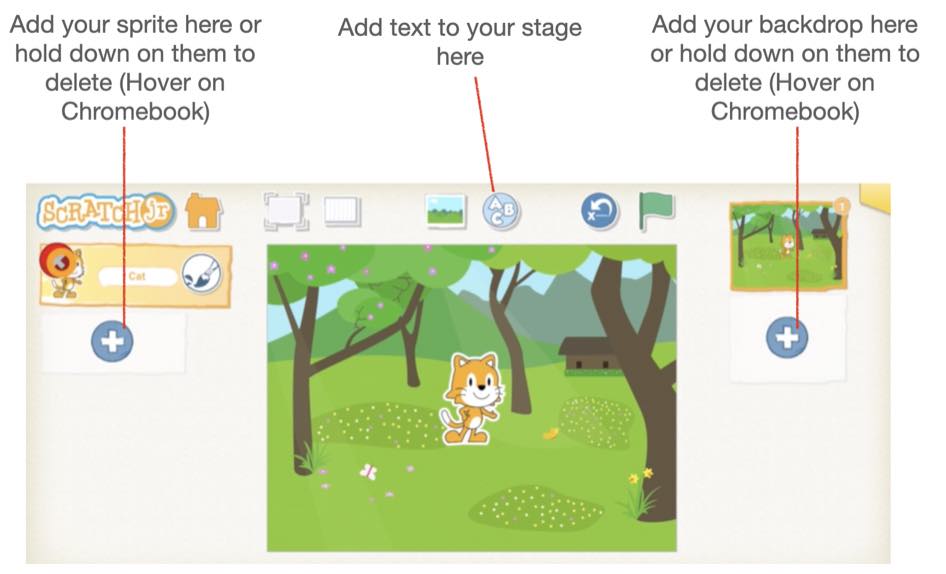
Watch the video to learn how to add character sprites, text and backdrops to start to program an animated story.
Screenshot 2020-12-22 at 20.57.40
2.  Get Moving!
Watch the video to learn how to program your character sprite to walk from one side of the screen to the other. 

Challenge
​How could you make your character sprite disappear when it gets to the one side of the screen? 
3. Where next?
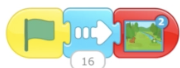
Watch the video to learn how to make your program change scene to another background with another character. 
4.  Inputs and Outputs
Watch the video to add some touch inputs and audio outputs so that the characters speak when they are tapped or clicked.
If you do not have a microphone on your computer, you could use the purple speech blocks instead of the microphone.
Could you finish the story?