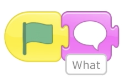
Watch the video to learn how to add a sprite that asks a question.
2. Answer inputs
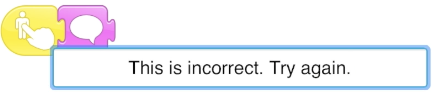
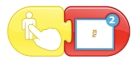
Watch the video to learn how to add answer sprites, such as numbers and then program touch or click inputs to say whether the answer is right or wrong.
Extra Challenge Watch the video to see how to add an arrow sprite and new scene. Then program the arrow to move onto the next scene, when touched or clicked. In this new scene you could add another question.