Introduction video
Text and Images Activity Pack What will you need?
The Junior Infant Tools Paint website for activity 1 and 2 and Junior Infant Tools Write website for activity 3.
What will you learn?
– Change the background colour of a page.
– Add, resize and position images (pictures).
– Type and position text, if possible using capital letters and punctuation.
– Label pictures with text.
– Use wordbanks for writing sentences about pictures.

Activity 1. Where’s Wally?
Task 1: Change the background colour
In this activity we are going to make a Where’s Wally style page using colour, pictures and text. Watch the video to learn about Where’s Wally and how to change the background colour of a page. Then open the Junior Infant Tools Paint website and try yourself.
Task 2: Add images (pictures)
Watch the video to learn how to add pictures of people and objects to your page, then resize them. Then add one character or robot which is different from all of the rest, this will be the character the reader will need to find. Leave a space to put your instructions.
Task 3: Add text
Watch the video to learn how to add text to your page. This will be the instructions for your reader (e.g Can you find the pirate?) Try to put a capital letter at the start and a ? at the end. Once you have finished then add your name to the box at the top of the page.
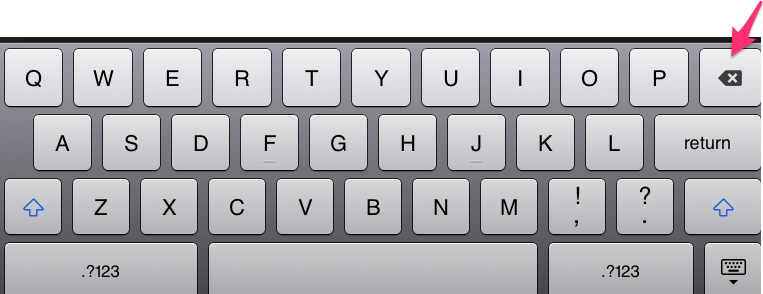
Tip
Use the backspace key to remove a letter and type it again.
Activity 2. Labelling shapes
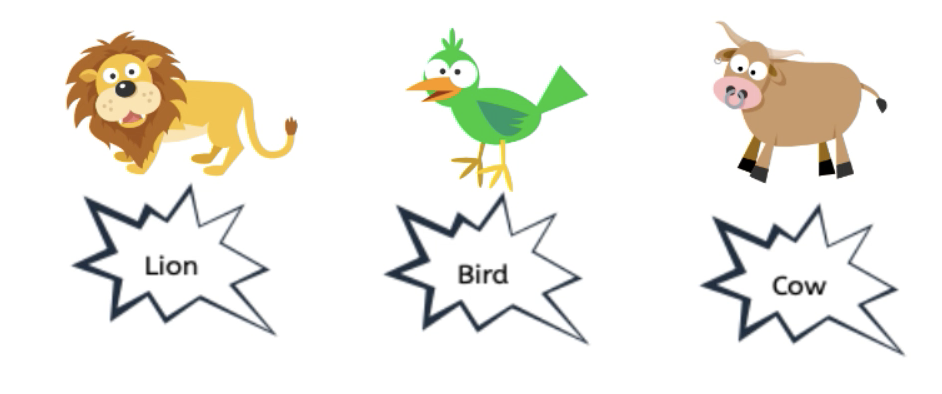
Click this link to open a new page and add different animals from the pictures and then use the text tool to label them correctly.
Activity 3. Wordbanks
This video tutorial shows you how to use the word banks tool of Junior Infant Tools Write website to help you write sentences about pictures. Once you have done, type your name in the title box at the top.