Scratch Virtual Reality Activity Pack What will you need?
The VRVex website. It is free to use and works on all devices.
What will you learn?
– Program a virtual robot to leave a move and leave a pen trail. Additionally use loops to simplify the program.
1. Program a virtual robot to cross off numbers on the number square.
Use the VRVex website to program a virtual robot to cross off numbers on a number square. Use the video tutorial to learn about how to use the VRVex editor. When you first open Vexcode, it may ask you to put a code in, choose Free if you do not have one.
Once you have finished, you can save by clicking File in the top left corner and then ‘Save to your Device.’
Challenge
Could you program the robot to just cross off numbers in a times table, such as the 6 times table?
2. Coral Reef Clean Up
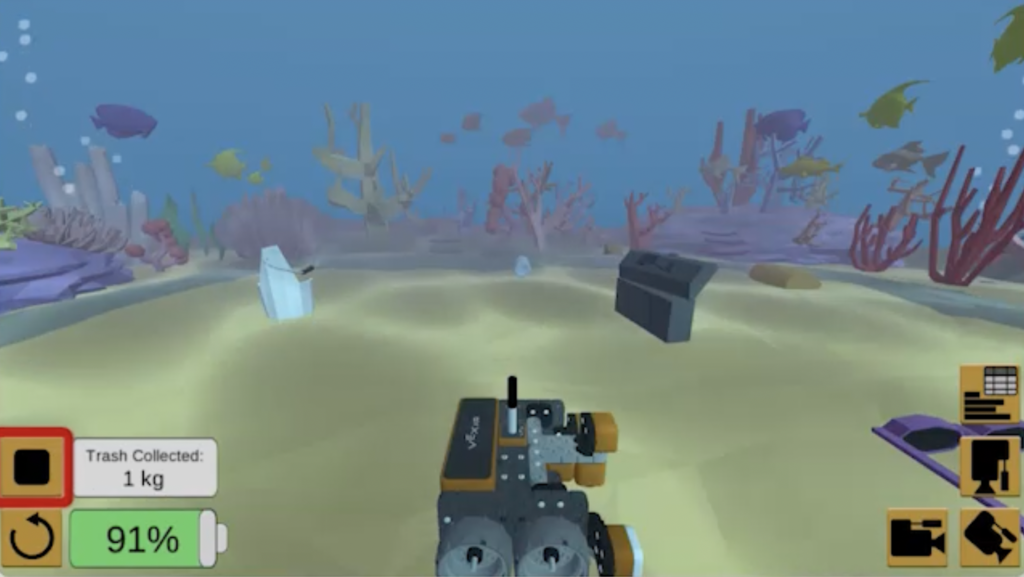
Go to the Coral Reef Clean Up project, watch the video tutorial in the editor and program your robot to move around the sea bed collecting trash.
3. Castle Crasher
Use the VRVex website to program a virtual robot to knock over all the castles. Watch the video to help you.