Scratch Football Activity Pack What will you need?
The Scratch website. It is free to use and works on all devices.
What will you learn?
Write a program for a football game (penalty shootout) that includes inputs, outputs, selection (conditions), random variables and values (scoring).
This does not have to be a football game but could also be Hockey etc.
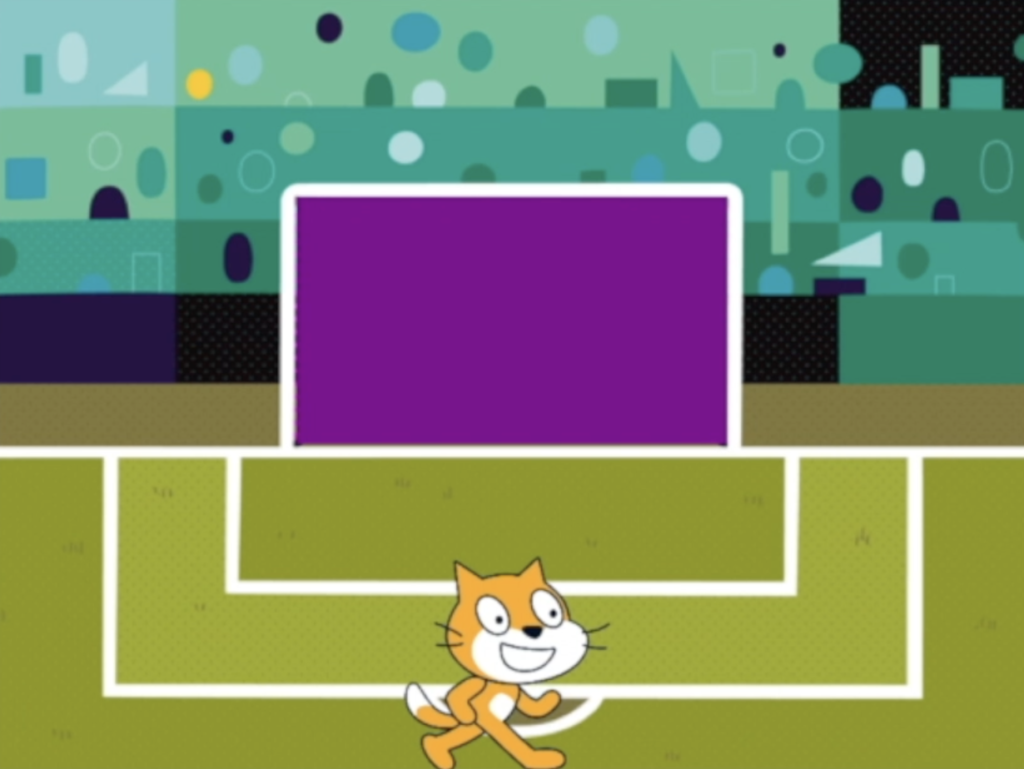
2. Football shot
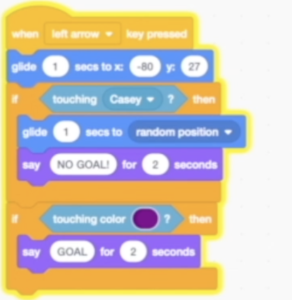
Watch the video to learn how to add a football sprite and then use keyboard inputs to control it to move to co-ordinates in the goal.
Touch screen inputs
If you are using a touch screen device such as an iPad, watch the second video to learn how to program touch screen inputs. Then adapt this to the football shot by adding arrow sprites and sending a message to the ball sprite to glide when the arrow is pressed.
3. Scoring and Goalkeeper
Watch the video to learn how to program selection (conditions) and sensing to score a goal or make the ball bounce of the goalkeeper.
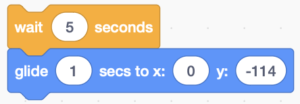
As a challenge, you could add a wait and movement into the if statements to take the ball back to the penalty spot after a shot.
4. Moving goalkeeper
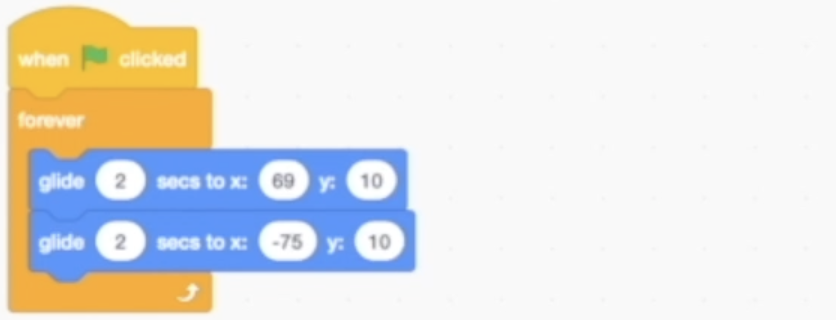
Watch the video to learn how to program the goalkeeper to move side to side on a loop.
Alternatively, you could use keyboard inputs (different keys to the arrows) to move the goalkeeper side to side, making it a 2 player game.
Extension Tasks:
Crowd Cheers
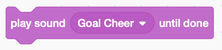
Could you add an audio code block into the goal scoring blocks that when a goal is scored, the crowd cheer sound is played?
Scoreboard
Program data variables that can be used to add a scoring system so that the score goes up when the ball goes in the goal.
Next Steps
Once you have your football game working could you try to make the game harder or easier depending on who is playing? Also, could you add some crowd that move repeatedly in the background by changing their costumes?