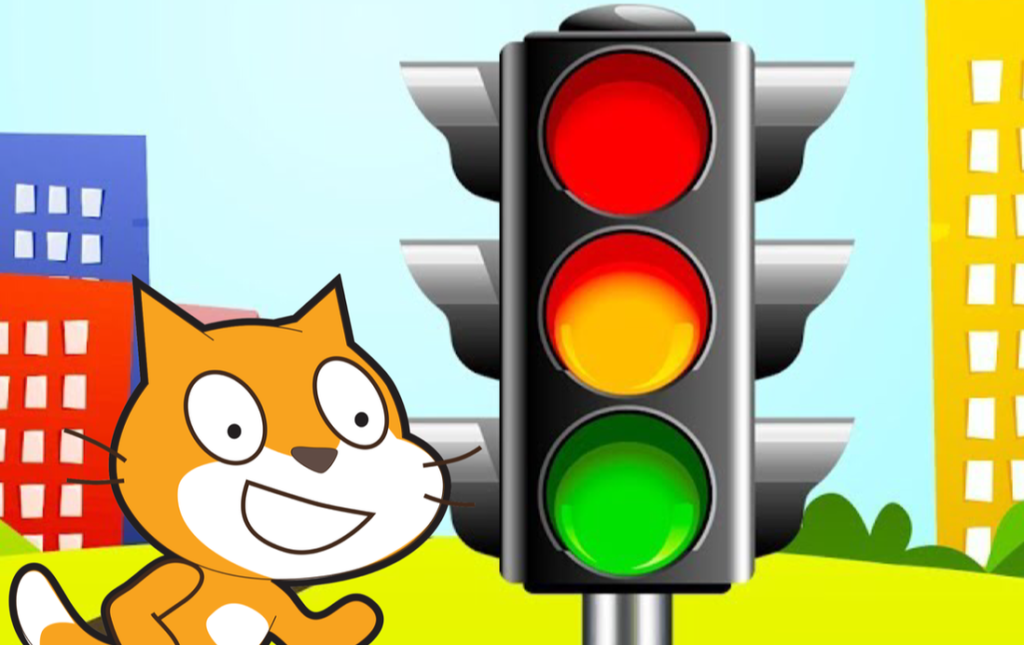
Scratch Traffic Lights Activity Pack

🛠 What will you need?

The Scratch website. It is free to use and works on all devices.

What will you learn?
Learn how to use program costume changes and wait commands to simulate a traffic light sequence.

1. Lights
Watch the video to program circular sprites with different costumes (on/off).
Tip: Use the duplicate tool, demonstrated in the video, as this will save you time and also make your lights match each other. 

2. Sequence the light
​Use costume change and wait blocks to program the lights turning on in the correct order.
Tip: Try pausing the video after the code for each sprite to try yourself and then resume the video.

Challenge: 
Once you have programmed your traffic light to work as it does in the video tutorials above can you:
– Add a suitable background (stage)?
– Add more code blocks to have your traffic light go from green to amber on its own to red on its own? Then could you put all your blocks for each sprite inside a loop for every so that the traffic light sequence goes around and around?