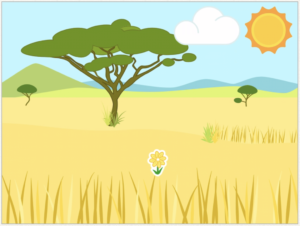
Watch the video to learn how to add a backdrop (stage) and flower, sun and cloud objects (sprites) then try yourself.
2. Inputs
Watch the video to learn to program your sun and cloud sprites to send messages to the flower sprite to make it grow when they are touched/clicked (inputs).
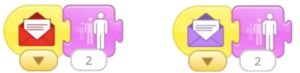
Add this code to the cloud and sun sprites, choosing a different colour for each one.
Add the code below to the flower sprite, receiving the same colour messages that were sent from the sun and cloud.
Challenge Could you think of another sprite that could be added that would make the flower smaller? Such as an animal eating it. Then program it to send a message to the flower to make it smaller.