Watch the video to learn how to add space rocket sprite (and resize it), a space backdrop and a planet sprite. Also draw arrow sprites, which will be used as controls.
2. Inputs
Watch the video to learn how to use the arrow sprites to control your rocket sprite. The video demonstrates how to do one arrow, can you then do the others on your own?
3. Conditions (A target)
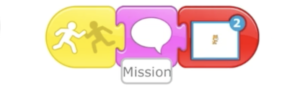
Watch the video to learn how to add a condition to the planet sprite, so that when the space rocket touches the planet, it says “Mission Complete!” or similar.
Challenge: More levels
Watch the video to learn how how to add more scenes to your project and then use the skills you have used so far to add another background, arrow sprites, rocket sprite and target sprite to scene 2. This will create another level for your game.