3D Design Pupil Activity Pack What will you learn? Use and adapt 3D shapes to build a small town/village using computer-aided design tools. What will you need? The TinkerCAD websiteand a login (ask your grown-up or teacher)
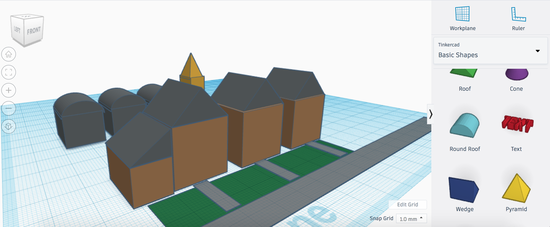
1. Understanding 3D Space Watch the video tutorial to learn about 3D design and how to use this website. Try to create the same 3D designs that are in the bottom right, in your bigger 3D plan.
2. TinkerCAD Controls Watch the video tutorial to learn about the controls in the TinkerCAD website.
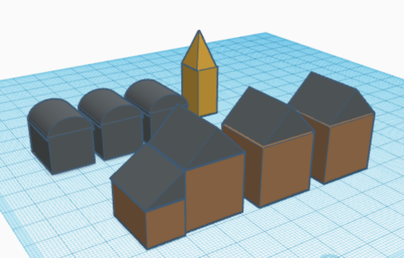
3. Use 3D shapes to build a row of houses Use cubes and square-based pyramids to build a row of houses by changing the size, colour, height and using duplicate tools. Use the video tutorial to help you.
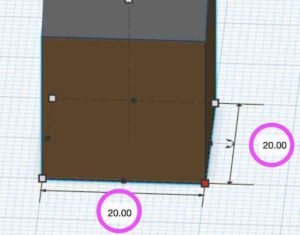
Tip: Change the numbers in the boxes for the width, length and height to the same number to make a perfect cube.
4. Other buildings Use the skills used to build the houses to create other types of buildings such as a garage on the side of the house, church and factory using other 3D shapes.
5. Add gardens, roads and paths Use the cube and adjust the height to as low as it will go to create gardens, roads and paths. Use the video tutorial to help you.
6. Add rows of trees Use the cylinder, sphere and duplicate tool to add trees. Use the video tutorial to help you.
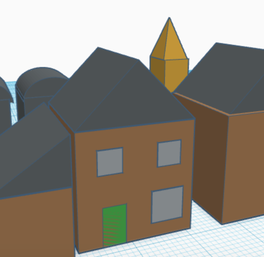
7. Windows and Doors Use the cubes to create windows and doors for the houses by adjusting their thickness and height. Could you use the cylinder to add a clock to the church?
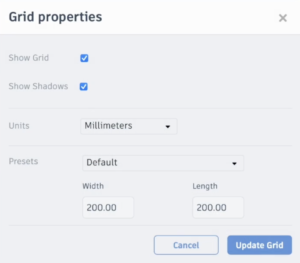
8. Make the workplane bigger If you want to make your town or village bigger then make the workplane larger by changing the ‘grid properties’ (shown in TinkerCAD controls video tutorial above). Make the width and height numbers bigger (watch out for the decimal point!)
Challenge
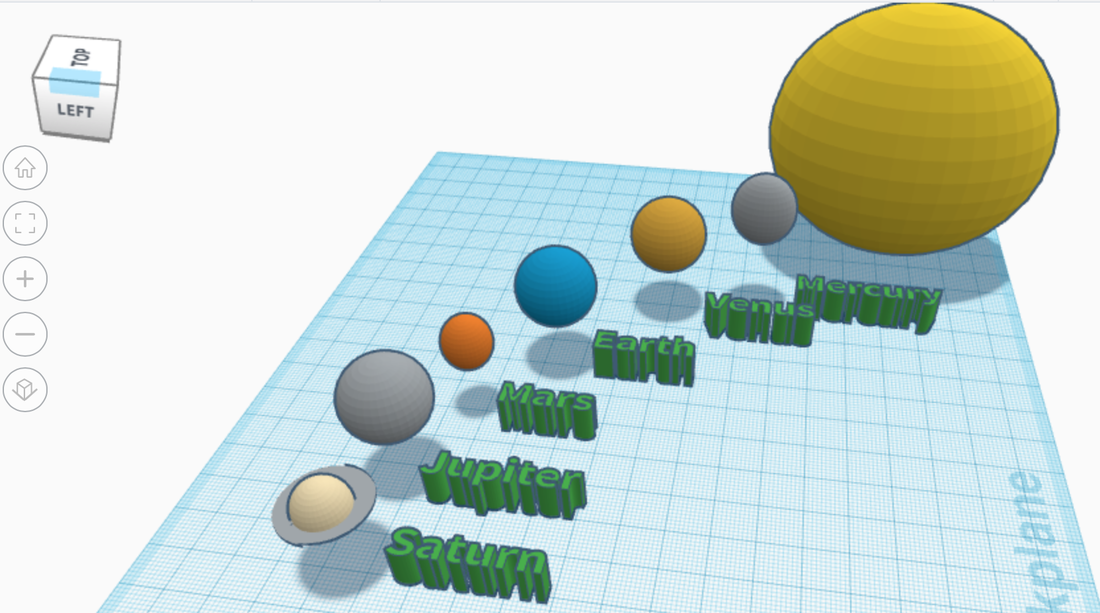
You could try to use your skills to re-create the solar system using sphere shapes of different sizes, position and text labels. You will need to start a new design so select the icon below (found in the top left corner of TinkerCAD) and then choose new design.
Sim Lab
Watch the video to learn how to use the Sim Lab tool to create a 3D course to simulate physics, such as gravity.