Programming – Early Years
Introduction
Programming plays such a large role in the Primary computing curriculum that the earlier the children begin developing the skills the better. These activities introduce equipment that needs programming and the basic principles, including sequencing instructions.
What do you need?
Programmable toys such as remote control cars, toy microwaves, washing machines etc.
The websites outlined in the activities below.
Optional programmable robots such as Code-a-pillar or Beebot (more details below)
Activity 1: Experiment and discuss programmable toys.
Discussion and Questions
What objects at school or home work on their own? (Children will need prompting with this – computer, microwave, traffic lights and discuss how they work). Watch the video together and talk about how there is a small computer inside the objects that stores the instructions that it then follows.
Activities
Children can experiment with different toys; remote control cars, toy microwaves etc that you may have in school and try to explain how they work/what instructions they are giving the toys to make them work. Children could control their remote control car/toy to a specific target and then explain how they got it there.
Activity 2: Sequences
Activities
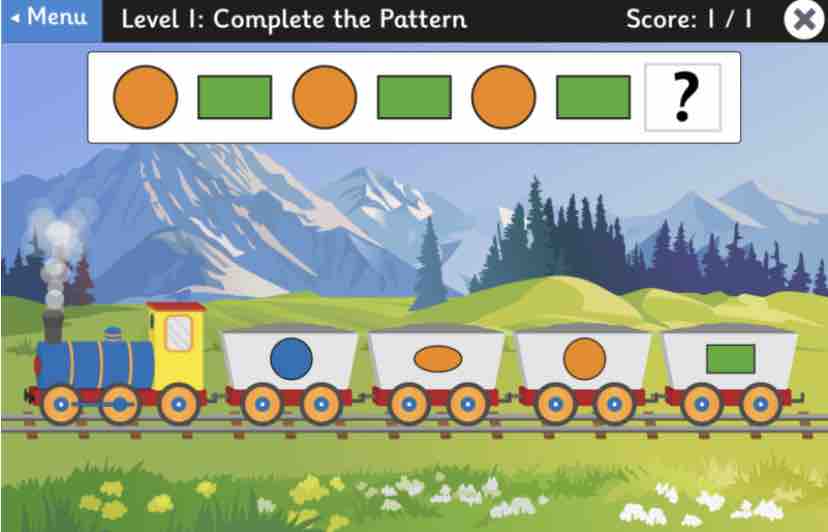
An important aspect of programming is sequencing. Early Years pupils cover sequencing as part of the Early Years framework and these skills will also help introduce early programming skills. Identifying a pattern and then choosing the correct object/number/letter to complete a sequence is a good first step into algorithms (a sequence of instructions to complete an objective), which Year 1 pupils are introduced to. Below are several free online sequencing activities.
Activity 3: Directions
Activities
It it important for pupils to understand directions (forwards, backwards, left and right turns) to help with their future programming work in Key Stage 1. EYFS pupils can be introduced to this in different ways:
1. As part of a PE lesson on movement; children could pretend to be robots following a sequence of instructions (forward, backward, turn left/right, jump, squat). The children can then work in pairs to direct each other to particular objects/targets. The robot children will need to try to remember a short sequence of instructions in order to make it a program.
2. Children can use the Big Bad Wolf and Space activities from the Junior Infant Tools turtle website to control the objects using the arrows to reach the target. The video demonstrates this activity and is the same activity from the Year 1 Programming Pack but is useful to encourage children to do this at EYFS age.
We have made a video below of Zoe (Reception age) using the Code-a-pillar.
Activity 4: Sequencing Directions
Activities
The next activities are for higher ability EYFS children as it is crossover into Key Stage 1 Programming. Once the children have understood how to use directions then they can start piecing them together to write a program. You may have Beebots in school, which allow children to do this by pressing the arrows to get around a mat. This can be quite difficult for younger children though because they cannot see what arrows they have already pressed. The Code-a-pillar by Fisher Price is more visual, it comes with 8 code blocks (3 forward, 3 left, 3 rights and sound) which need to be attached to the Code-a-pillar’s head in the right order to get to a target (green start and red end spots). There is also an expansion pack to make it more challenging.
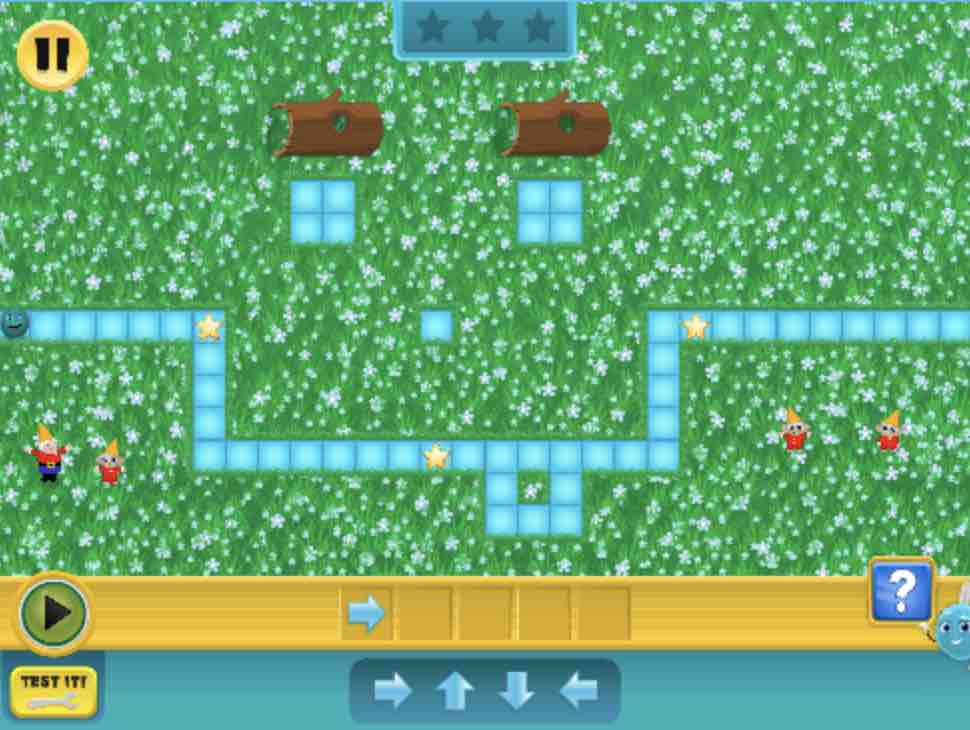
Online, children can use the free Kodable website to sequence the arrows in the yellow/gold bar to get the character through the stars by clicking the play button to run the program. Start with the easy level and the challenges get more difficult.
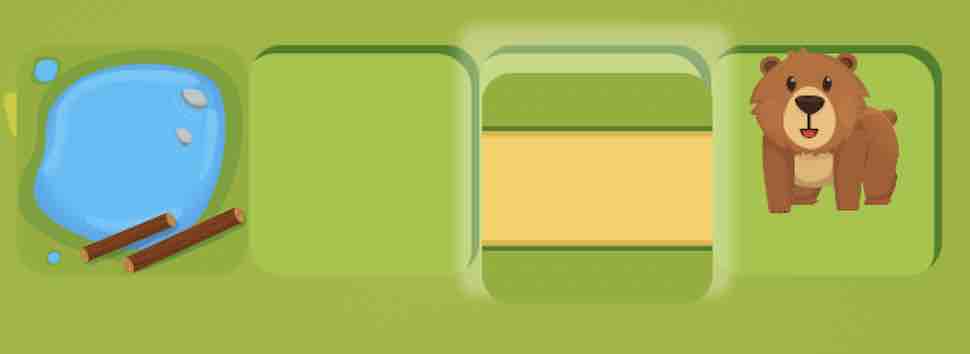
For iPad apps, the free Hopster Coding Safari app is excellent for EYFS with a series of challenges where the children have to fill in the tiles with directions or pieces of road etc to complete the path (see image below). The challenges get harder so EYFS pupils should start on easy level.