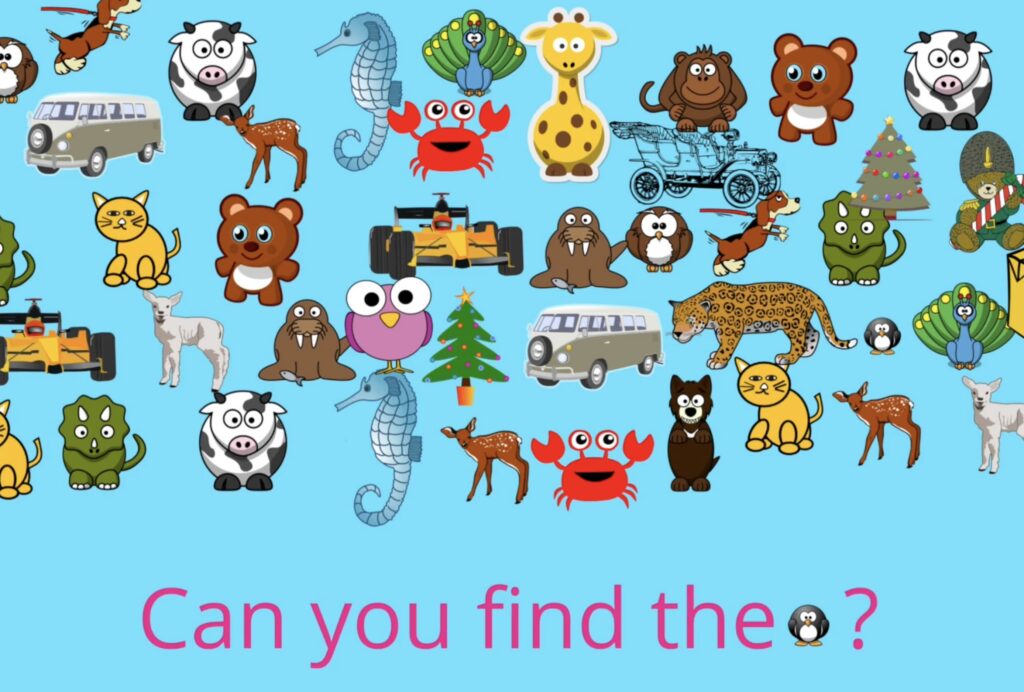
Year 1 Text and Images
(Teacher notes)
1. Change the background colour of a page.
2. Add, resize and position images (pictures) on a page.
3. Type and position text on a page, if possible using capital letters and punctuation.
4. Label pictures with text.
5. Use word-banks for writing sentences about pictures.
📝 National Curriculum Content
Key Stage 1: Use technology purposefully to create, organise, store, manipulate and retrieve digital content.
Prior learning and next steps
This activity pack develops the mouse and keyboard skills introduced in the EYFS/Year 1 Mouse and Keyboard Activity. It teaches pupils early desktop publishing skills, combining text and images onto a page. These skills are then developed further in the Comic Creation Pack, Year 2 Ebook Creation and Year 3 Document Editing.
Teacher input
The video below introduces the pupils to the uses of text and images, such as web-pages, posters and comics. It also demonstrates to pupils how to write a capital letter on a keyboard, Chromebook and iPad. It may be worth pausing the video after each sentence to discuss with pupils.
There are two pupil activity packs below, which cover the same skills but use two different pieces of software, so you can decide which suits your pupils best, or you could use both to help with differentiation or mixed-aged classes.
Assessment
If your school subscribes to J2E then the pupils can save their pictograms to their online files. If not then the pupil/teacher could take a screenshot on the iPad. This website explains how to do this. This could then be inserted into a Word document or saved to a pupil work folder. One of the benefits of using the pupil activity pack 2 below, and Sketchpad is that it allows the pictures to be saved as an image to the downloads folder on the pupils’ computers.
Pupil Activity Pack 1
(Pupil Code J6W3)
View the pack here >
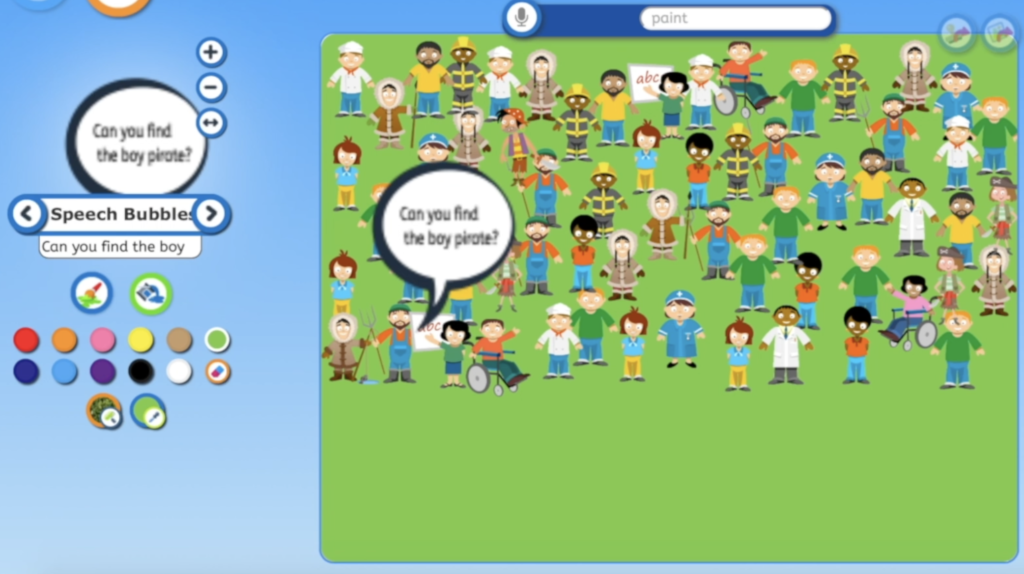
This pupil activity pack uses the free Junior Infant Tools Paint website for all activities. Activity 1 demonstrates how pupils can create a Where’s Wally style page with pictures and text instructions. Activity 2 then asks pupils to use the same skills to label pictures. Activity 3 demonstrates how pupils can use the word-bank tool within Junior Infant Tools to write sentences about places.
Pupil Activity Pack 2
(Pupil Code JQT4)
View the pack here >
This pupil activity pack uses the free Sketchpad website. It covers the same activities as Pupil Activity Pack 1, but using more complex software, with more options and the facility for pupils to save their picture as an image. The word-bank activity still uses Junior Infant Tools.