Kodu River Race What will you learn? To program a race between two Kodu using keyboard inputs, conditions and river basin/lake design
What will you need? Access to Kodu software on a Windows computer. You will need to have covered the skills demonstrated in the Kodu Basics Activity Pack.
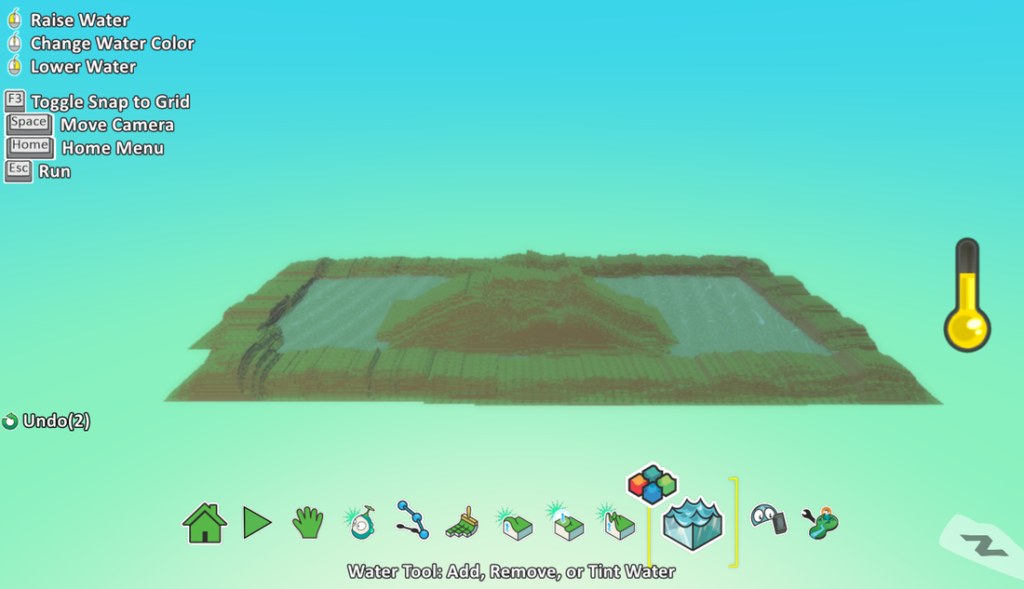
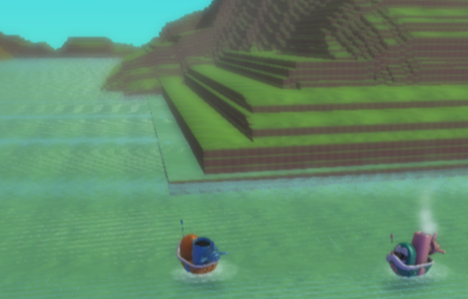
1. River/Lake Basin Use your Kodu design skills from the Kodu Basics Activity Pack to create a river or lake basin. The example above has hills/mountains around the outside and a hill in the centre. Then fill the middle (lower area) with water. You can experiment with the size of brushes (using cursor keys) to make your land and hills bigger plus add Kodu objects such as trees on the hills. This is just a suggestion but you could try things such as Oxbow lakes.
2. Add Kodu Boats Add two Kodus (we have chosen the Ships for the example above) and either have them different Kodus or, as shown above, use the arrow keys to change the colour if using two ships.
3. Adding controls (Keyboard inputs) For each Kodu (boat) add a program that uses either the arrow keys, WASD keys or custom keys to make the Kodu move.
4. Add conditions for scoring Add another Kodu such as a star and then for each boat Kodu, add a condition that when the boat Kodus hit the star (or whatever you choose) then they win.
You could place the star at the end of the river as a finish line.