Pupil Activity Code: MWT8 – What is it?
Progression of skills in this pack:
1. Understand how computers use information to learn by solving new problems and following new instructions.
2. Understand and use examples of machine learning.
3. Understand how artificial intelligence is used to perform tasks often only performed by humans.
4. Discuss and show awareness of potential dangers of AI.
 1-2 hours
Introduction
The introduction video and activities in this pack describe to pupils how computers acquire information to effectively learn (machine learning) and discusses examples. The video below also gives examples of machine learning (such as face recognition for unlocking devices)and also looks at examples of artificial intelligence.
 What do pupils and teachers need?
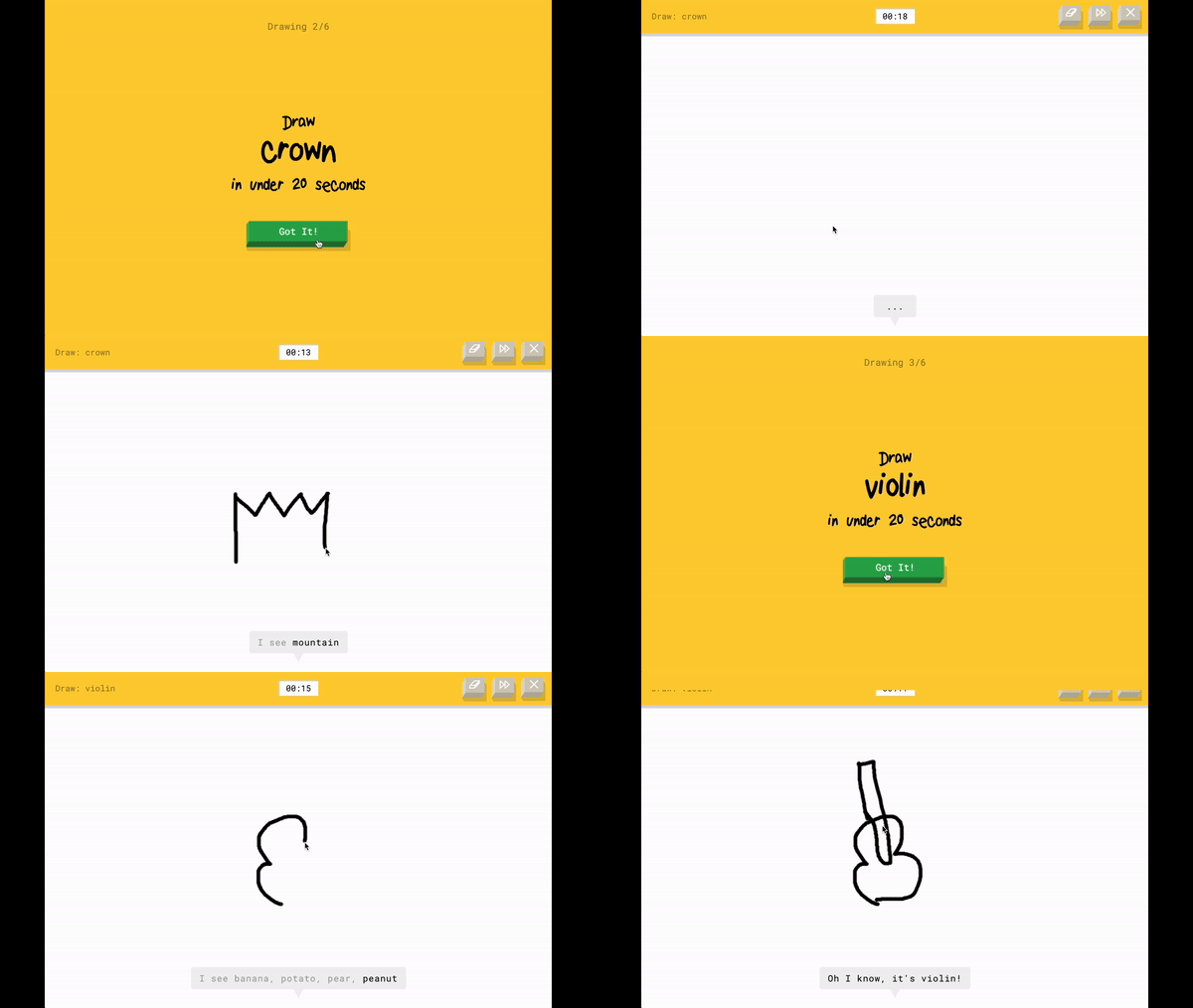
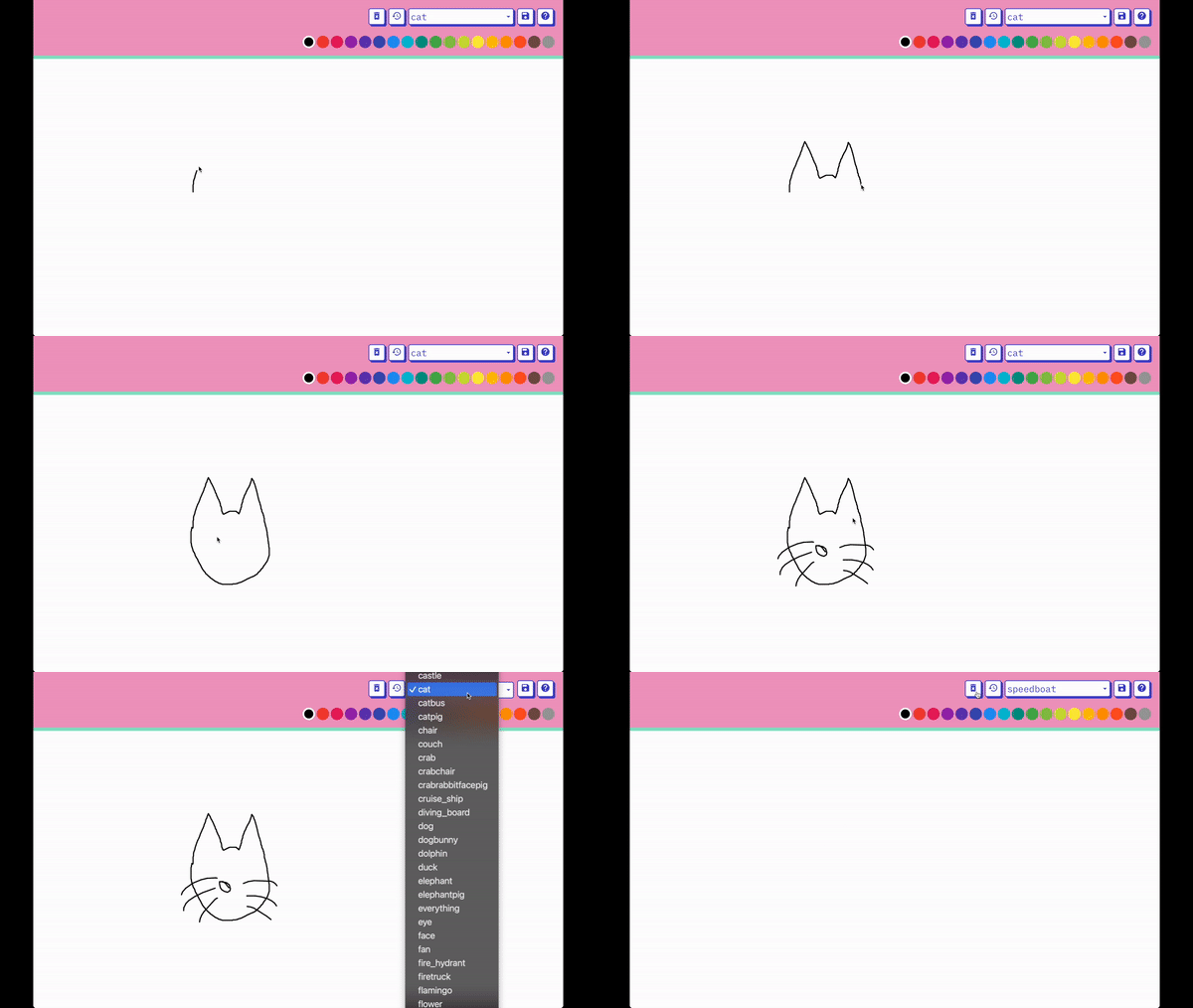
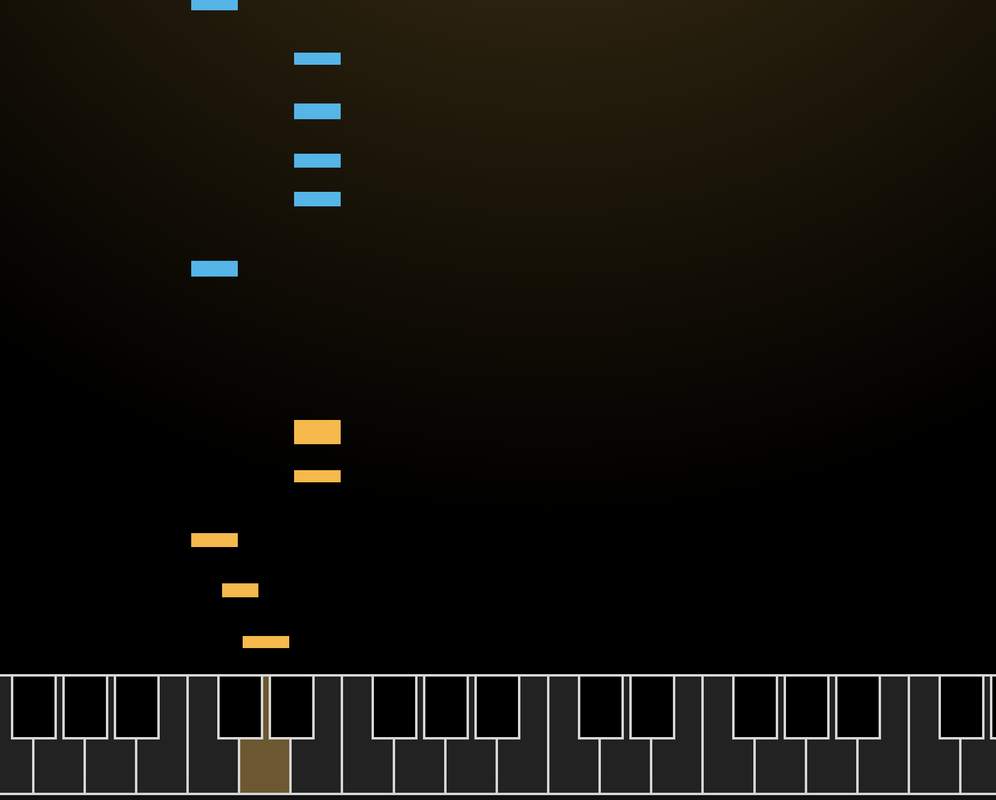
There are also 6 activity websites below (also part of the pupil activity pack) that use machine learning, such as recognising photos, drawings, word association and software responding to sounds and movement to make music. The Semi-Conductor requires pupils to have a camera on their computer or device.
 Teacher Input
Watch the video below ‘What is Machine Learning and Artificial Intelligence?‘ and at the end the video asks questions which can be used as a stimulus for a class discussion:What examples of machine learning and AI do you use in your day to day life?
(Pupils may suggest smart speakers, Siri, face/finger-print unlocking etc)
Do you think there will be any issues with AI in the future?
(Such as computers being more intelligent than humans – people such as Stephen Hawking and Bill Gates have previously warned that computers could eventually takeover and eradicate the human race. Also, if robots are being used for human jobs, does this affect job opportunities?)
Would you trust a computer delivering parcels to your door or travelling in a taxi with no human driver?
(Errors and bugs leadings to accidents and other dangers)
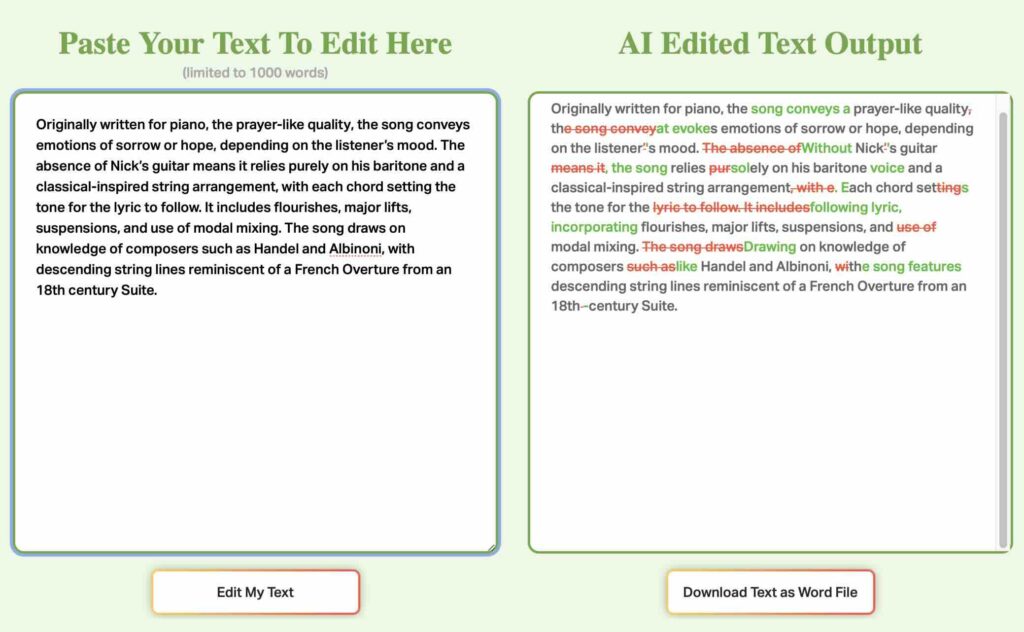
Also talk to pupils about the uses/dangers of Generative AI (such as ChatGTP) using this fact sheet as a prompt.
 Assessment
Once pupils have watched the video and tried the activities below then they could try the assessment sheet below to assess their understanding. Please note, the first page of the assessment PDF below is the teacher answers.