1. The Computer keyboard You could start by showing the pupils this video, which covers the uses of different keys on a computer keyboard. Once pupils have watched the video you could provide them with the Computer Keys assessment sheet below, which asks them to match the different keys with their uses. Also below are keyboard shortcut posters for Windows, iPad and Google Chromebook, which could be useful on the classroom/IT room displays. The pupil activity pack (code above) includes this intro video then links to the other 2 websites below for touch typing.
2. Use correct hand position and fingers for touch typing
Pupils across both Key Stage 1 and early Key Stage 2 can learn touch typing with BBC Dancemat, beginning with the home row in the first level and moving onto letters above and below it. Pupils should be encourages to use this website regularly, to create a muscle memory for touch typing.
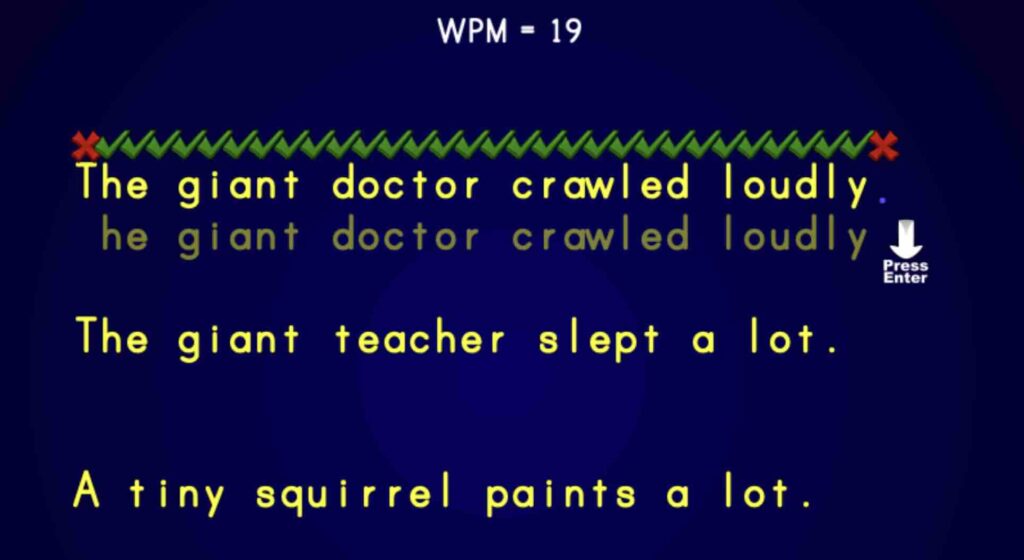
Words Per Minute (WPM)
Use touch typing skills to try this website to achieve your best words per minute (WPM) score.
3. Develop and assess touch typing skills
You may also want to try in Key Stage 2 the typing.com website, which allows you to keep track of the pupils’ touch typing activities and setup classes etc. See video tutorial below.
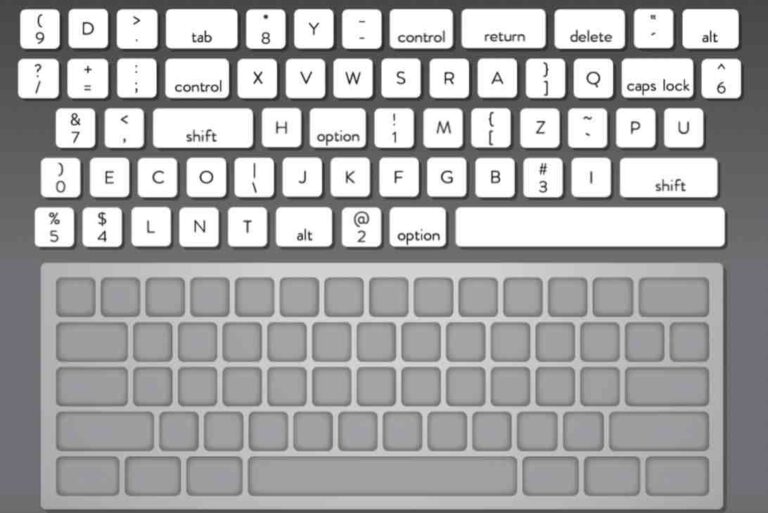
4. Put a keyboard back together
Use this website to try an activity where you have to put a keyboard back together, finding the correct places for the keys. You can choose your style of keyboard and then whether you want to put all the keys back together or just the letters and numbers. Use the keyboard on your keyboard to help you.