Year 5 – Understand Computer Networks and the World Wide Web
Pupil Activity Code: CNQ4 – What is it?
Progression of skills in this pack
1. Understand Computer Networks, Internet, Cloud Computing and Bluetooth and how they help us.
2. What is email and how can we use it safely?
3. Understand how and why we collaborate online (including blogging).
National Curriculum Content
Understand computer networks, including the internet; how they can provide multiple services, such as the World Wide Web, and the opportunities they offer for communication and collaboration.
2-3 hours
Pupil Activity Pack
The pupil activity pack (see code above) includes many of the video tutorials and the questions below, allowing pupils to work at their own pace and answer questions on a piece of paper or document. It does not include the email simulator activity as that should be teacher led.N
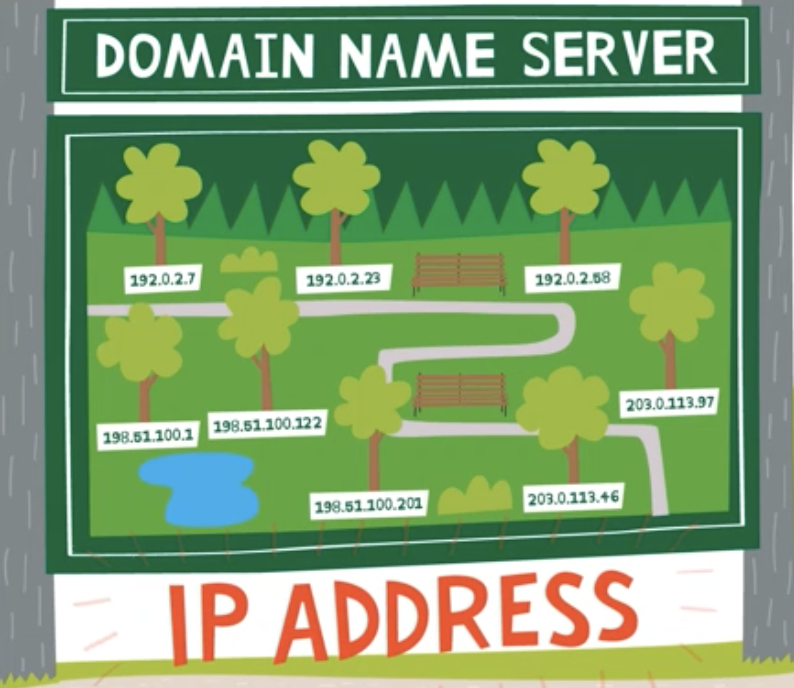
1. Understand Computer Networks, Internet and Cloud Computing
Computer Networks
Most schools have a computer network that connects the PCs to a server where all the files are stored. It is important that the pupils understand why we have computer networks.
Watch the video with your class that we have created about computer networks, the different parts of them and why they are used in schools. There is also a computer networks display that be used to discuss the questions below.
Questions can be asked such as:
Why do we save our work to a server on a network, not just to one computer? (So work can be accessed from any computer)
Why do we need to login to a school network? (So it is only us who can access our files)
Once the video and network diagram have been discussed, in a large space such as the playground or school hall, each pupil could take on a role of a piece of equipment from the diagram and the signals moving through the network. This could include:
The computers/iPads requesting to login and the signal moving down the network to the server to see if the request matches a login on the server and then back again with an answer.
The same process could be carried out for requesting and sending files to and from the server, requesting printing and websites from the internet.
The Internet
Watch the BBC video ‘How the Internet works’ and then discuss the following questions:
What is a protocol? (the rules of how data is passed between devices)
What is a packet? (instructions of how to put smaller pieces of data back together)
In this wireless world, pupils will need to understand that there needs to be a wired network to create a wireless network. This includes an understanding that the internet actually travels on the seabed between countries. Here is a Youtube video that explains how this works.
Cloud Computing
Watch this video about Cloud Computing and then answer the question below in as much detail as possible.
What are the advantages of Cloud Computing and can you give examples of how schools and businesses use it?
Bluetooth
Watch this video about Bluetooth and then answer the question below.
Can you think of any bluetooth devices you use and how do you use them?
2. What is email and how can we use it safely?
Teacher Input
You could start by watching the video tutorial which covers what email is, email addresses and different parts of email software. In pairs/groups, the pupils could discuss how email is better/worse than normal postal letters (attach videos, quicker etc but letters often have more care/sincerity).
Ask some scenario questions for whether the pupils would choose email or letter:
How is email better/worse than normal postal letters?
Would you use email or a letter for the following:
Thank you to a relative for birthday present. (Email/letter)
Send a document into school (Email/letter)
Also discuss other online communication (FaceTime, Skype, messages, forums etc) and discuss the pros and cons of each with links to e-safety discussions.
Unplugged Email Simulator Activity
Below is a paper-based email simulator that you can download and print for pupils. It has the teacher notes at the beginning, which explains how to use it.
3. How and why can we collaborate online?
Many of the online services that schools use and that we have mentioned on this website have collaboration tools.
Discuss the word with the pupils, explaining that sometimes we want to work together to give each other feedback and share ideas.
One way to get the whole class collaborating is by using Padlet, which teachers can sign up for and create a Padlet. This is a virtual online board where people can contribute. For using it with pupils, teachers can create the Padlet then share it as a web-link or QR code for pupils to then contribute text, images etc to. This could be used for brainstorming a story or an activity such as thinking of adjectives etc. There is a video tutorial to demonstrate how to use it with pupils.
📝 Unplugged Assessment Activity
Below is a downloadable and printable activity sheet/cards that can be used to assess pupil understanding of the vocabulary and application of the skills, either individually or as a group task/extension task.