Year 1 Digital Design Activity Pack (teacher notes)
Pupil Activity Code: DWF4 – What is it?
Progression of skills in this pack
1. Change the colour and pattern of elements. (Activity 1)
2. Position and rotate objects. (Activity 2)
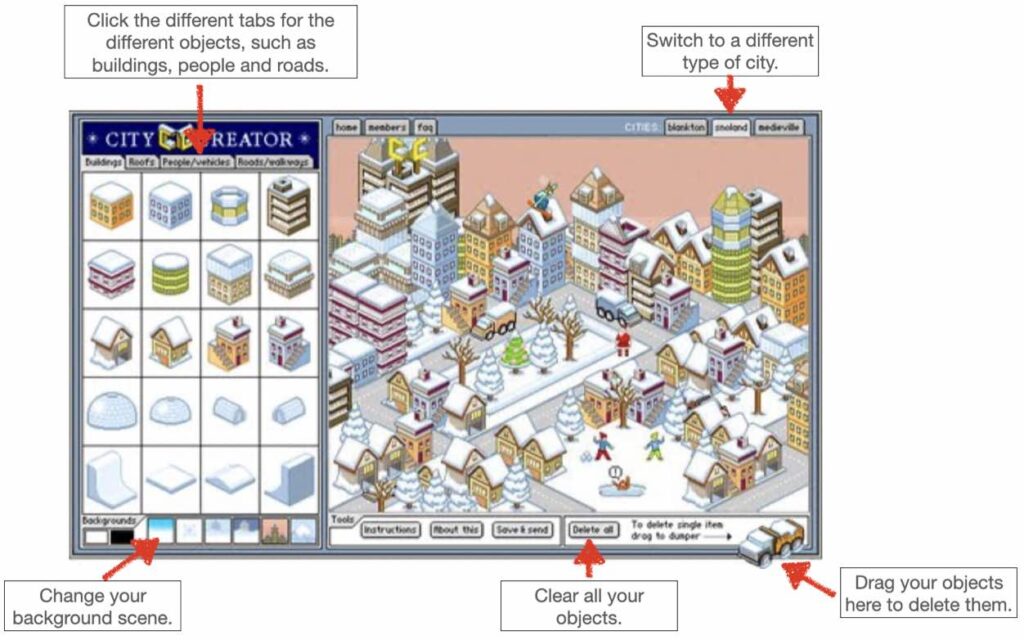
3. Position objects in relation to each other. (Activity 3)
4. Position 3D objects and change their colour. (Activity 4)
 National Curriculum Content
Use technology purposefully to create, organise and manipulate digital content.
 What will your pupils need?
Internet access for the websites outlined below and the pupil activity pack to help find the websites quicker (see code above). Please note, only activity 1 ,2 and 4 are compatible with an iPad unless pupils have access to a bluetooth mouse and then they can use mouse support on iPad meaning activity 3 can be used.
Prior Learning and Introduction
Before pupils complete the activities in this pack, they should have completed the activities in the EYFS Digital Art and Design Pack. The activities below provide pupils with a sense of spacial awareness required for 3D design as well as digital art skills. These skills are then revisited within our Year 3 and Year 4 3D Design Activity Pack.
 Differentiation
The activities below get progressively more challenging. Pupils who have used Minecraft before may find activity 4 easier, but it is the most challenging and works well as a bridge activity between this and the Year 3 3D Design.
 Assessment
If you would like to assess the pupil activities below then only activity 4 has download icon at the bottom to save the 3D designs. For the other activities you can use your own observations or screenshots (see instructions below for different platforms).
Windows PC
Chromebook
iPad
Mac