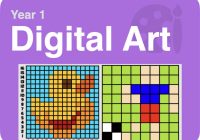
Year 1 Digital Art Activity Pack (Teacher notes)
Pupil code XTF4 What is it?
Progression of skills in this pack:
– Change the colour of individual pixels to accurately re-create basic artwork.
– Make changes where required.
– Change the colour of individual pixels to accurately re-create detailed artwork.
– Use zoom controls to help fill small shapes.
 National Curriculum Content
Use technology purposefully to create, organise and manipulate digital content. Prior Learning and Teacher Input
Before pupils try this activity, they should have completed the EYFS Digital Art and Design Pack. This activity pack introduces the precision needed for digital art, introducing filling pixels and skills that are then developed further in an activity in the Year 2 Digital Art Pack. Talk to pupils about the term ‘digital art’ and why creating art on a computer or tablet can have its benefits; less messy, easier to make changes etc. You may wish to show the video from the activity 1 of the pupil pack below. In particularly, remind pupils that is easier to re-create the artwork by colour the pixels one row at a time instead of randomly.
 What will you and your pupils need?
The websites outlined in the activity descriptions below when the pupils click play.
 Differentiation
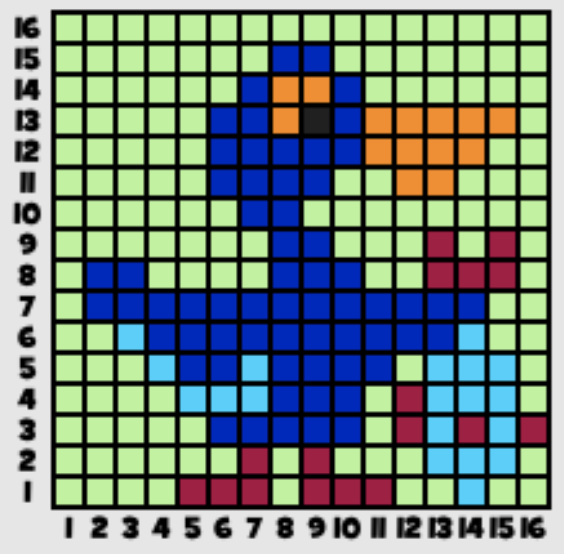
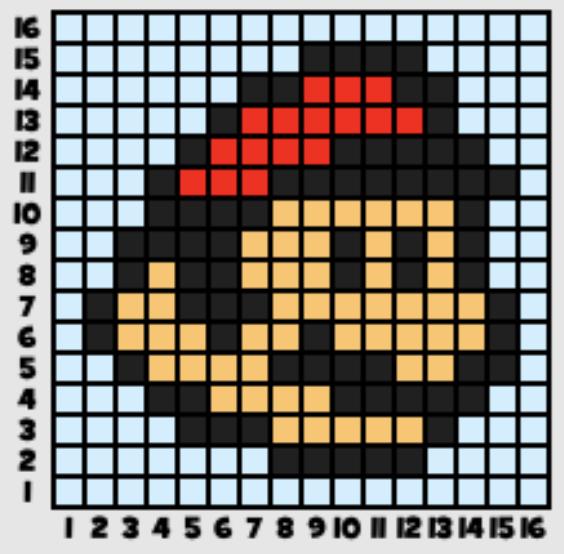
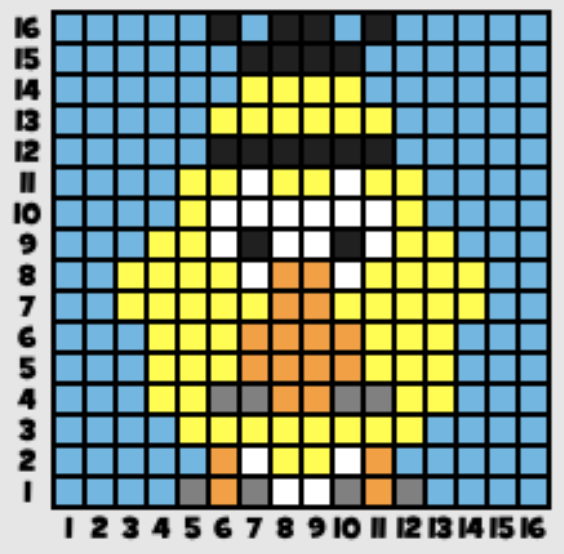
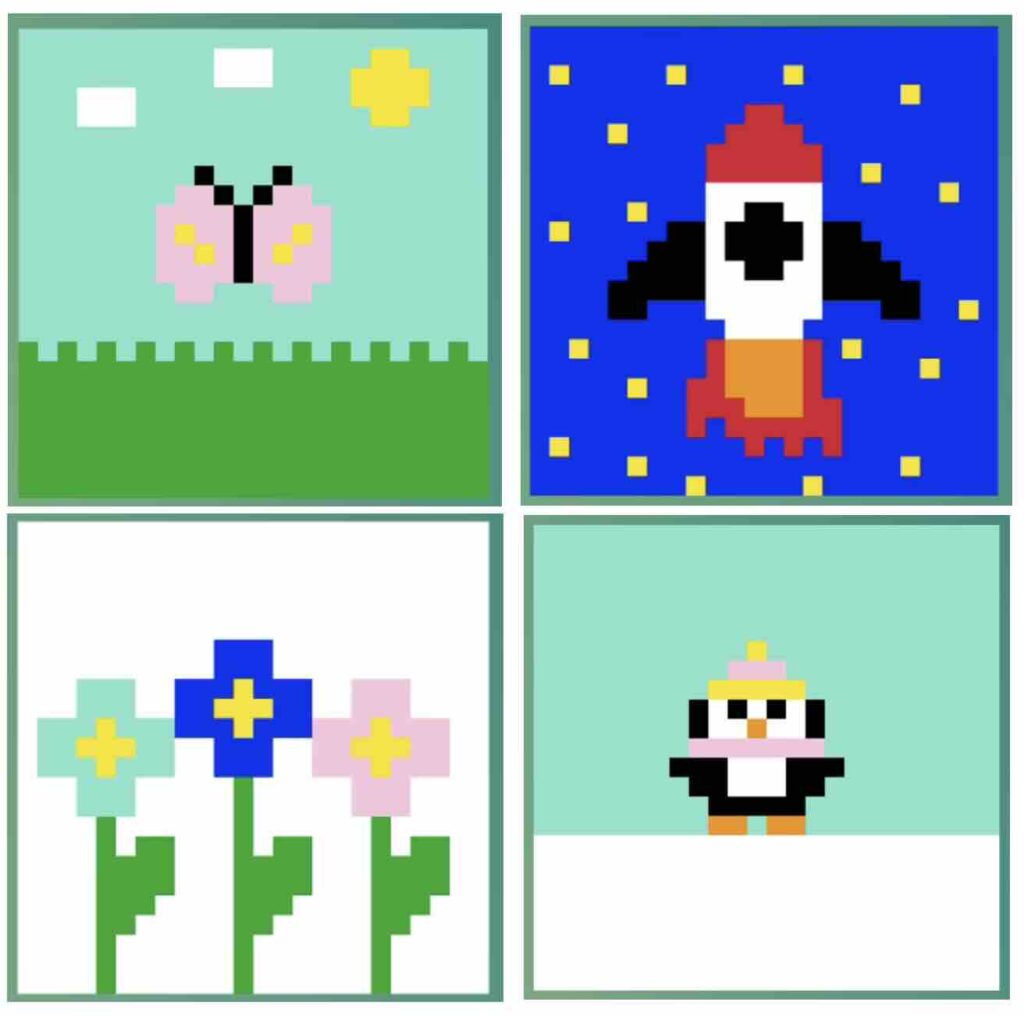
Activity 1 is a 8×8 grid, which has multiple mosaics to attempt. The lower ability can stay on this longer, working through the mosaics. The higher ability can move onto activity 2 quicker, which has 16×16 grids and then the colour by numbers task with zoom tools of activity 5.
 Assessment
The websites used in the activities below has a built-in tool to check whether the pupils have matched the artwork correctly.