Year 3 Infographic (Teacher Notes)
Pupil Activity Code: NWT4 – What is it?
Progression of skills in this pack
1. Understand what an infographic is and why we use them.
2. Search for and add suitable graphic elements.
3. Add and format suitable titles and text.
4. Label an image using arrows.
📝 National Curriculum Content
Select, use and combine a variety of software (including internet services) on a range of digital devices to design and create a range of programs, systems and content that accomplish given goals.
⏱ 1-2 hours
🛠 What will teachers and pupils need?
To create the infographics, pupils will need access to the Canva website. Teachers can create a education/teacher and pupil accounts here.
👨🏫 Teacher input
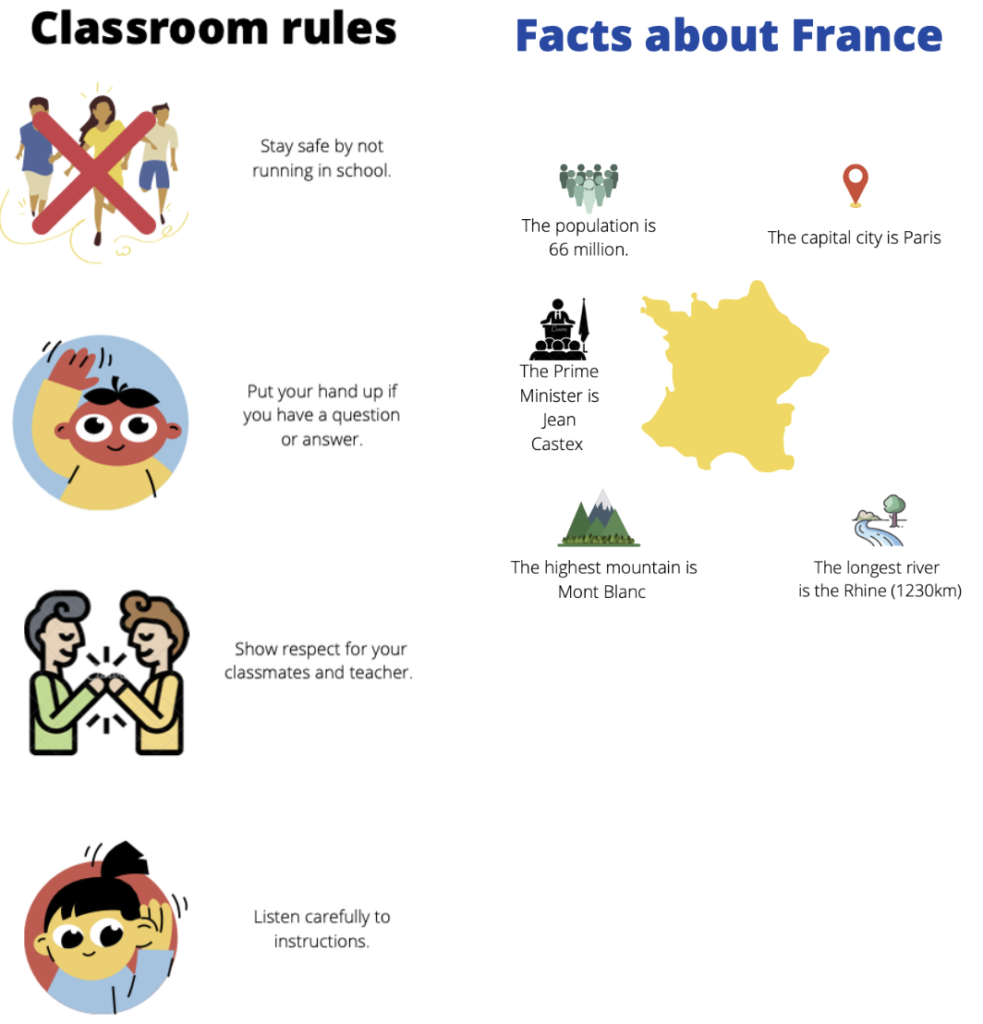
You may want to start by watching the first video below together as it introduces what infographics are and shows examples of them. You could also watch the other videos as well and discuss the different tools as they are demonstrated in the videos. This activity pack demonstrates how to make an infographic for classroom/school rules but pupils could make infographics for many purposes, including healthy eating or facts on a place.
✅ Assessment
The infographics can be assessed through the education portal.