Introduction
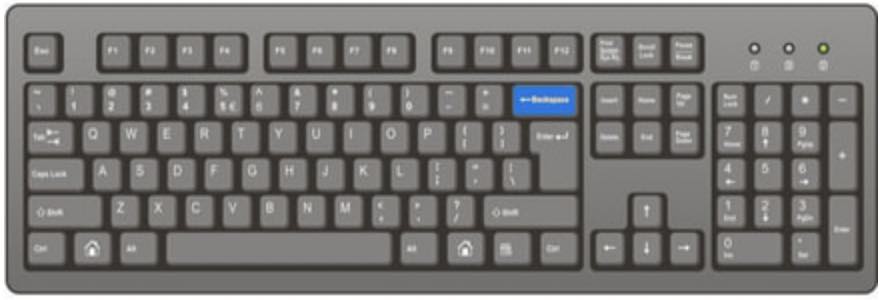
This activity pack introduces pupils to a range of text editing skills using a word processor and develops the skills pupils may have gained from the Comic Creation pack, which should have been completed before this pack. You may also want to look at the computer keys video and activity from the Typing Activity Pack, to help pupils use the different keys to edit their document.
🛠 What will teachers and pupils need?
Pupils will need access to Microsoft Word, Google Docs or Pages on iPad. Pupils can choose the video tutorials for the software they are using (see below). You may want to watch the tutorial for the each activity together before pupils use their own activity pack.
👨🏫 Teacher Input
Discuss what the difference is between a word processor such as Microsoft Word and software such as Excel, PowerPoint (Word is design for writing letters, stories, lists whereas Excel is for handling data with numbers and making charts/tables and PowerPoint is used for making presentations). This is also covered in the introduction video at the start of the pupil activity pack and below.
Due to the different versions of Microsoft Office (Word, Excel, PowerPoint), it is a good idea to show pupils the help menu, to help locate tools.
This pack could also be linked to the Year 6 Machine Learning and Artificial Intelligence pack, specifically the proof reading activity.
✅ Assessment
Pupils should save their Word, Pages or Google Docs files with a suitable file name.

 National Curriculum Content
 1-2 hours